
One pattern.
One vault.
Every secure pattern opens a separate private space. Opening one vault does not reveal the others.
NullVault for iOS
Protect private photos, videos, documents, files, and notes in separate encrypted vaults on iPhone. Each pattern opens a different private space without revealing a master vault list.
iPhone · iOS 26 and later
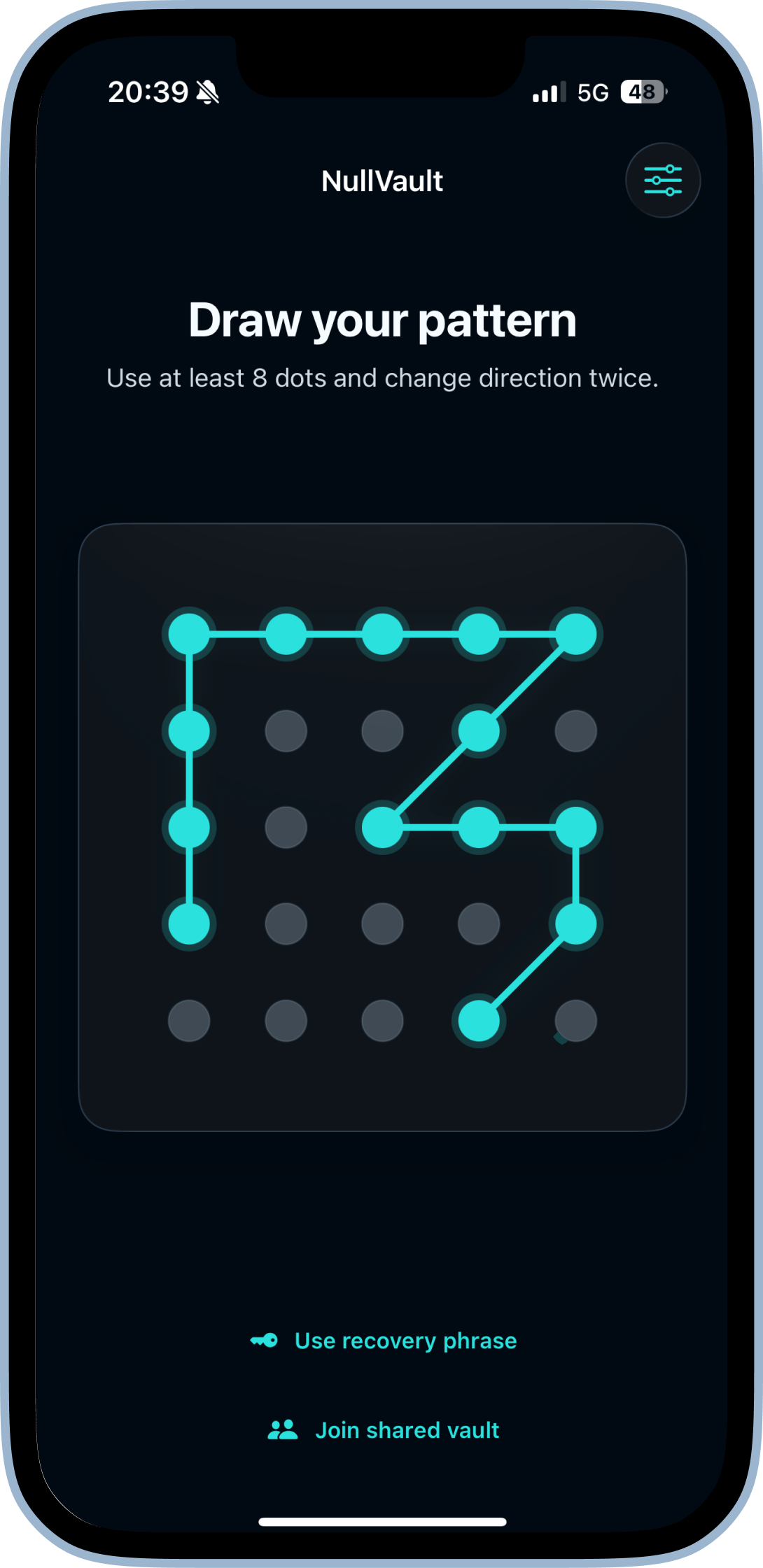
Every secure pattern opens a separate private space. Opening one vault does not reveal the others.
File contents, filenames, and metadata are encrypted before being saved to private app storage.
The released app supports iPhone, including encrypted iCloud backup and controlled read-only sharing.
How it works
NullVault uses the pattern itself to address a vault. Lock the app, draw another established pattern, and a different private space opens.
Your established pattern opens its matching encrypted vault.
Import photos, videos, documents, and notes—or capture directly inside the active vault.
Leave the app to close the session, or lock it and use a different pattern to open another vault.
iOS feature set
Explore each currently available capability and its platform-specific behavior.
Pattern-based creation, unlocking, and vault switching are available on iPhone.
Read feature details Available nowNon-destructive decoy vaults and separate-pattern access are available on iPhone.
Read feature details Available nowEncrypted photos and authenticated previews are available on iPhone.
Read feature details Available nowCollections, active-vault search, and content organization are available on iPhone.
Read feature details Available nowCamera capture and protected import workflows are available on iPhone.
Read feature details Available nowExplicit export of selected vault items is available on iPhone.
Read feature details Available nowPer-vault 24-word recovery phrases and phrase-based backup restore are available on iPhone.
Read feature details Available nowDestructive local duress configuration is available on iPhone.
Read feature details Available nowLifecycle locking is available on iPhone.
Read feature details Available nowCore local vault use on iPhone works offline without a NullVault account.
Read feature details Available nowEncrypted iCloud backup and phrase-based restore are available on iPhone.
Read feature details Available nowPhrase-based, read-only CloudKit sharing is available on iPhone.
Read feature detailsSecurity, explained
The documented iOS design separates pattern-derived access, encrypted local content, optional encrypted backup, and controlled sharing. Each recovery and sharing mechanism has a distinct security boundary.
NullVault for iOS
Compatible with iPhone running iOS 26 and later. Local use requires no NullVault account.
Help & details
Yes. NullVault is available on the App Store for compatible iPhone devices running iOS 26 and later.
No. You can create and unlock vaults and import and view local content offline, without a NullVault account, email address, or phone number. Optional iCloud backup and sharing require Apple platform services and a connection; store purchases and restoration also require online access.
NullVault for iOS includes per-vault 24-word recovery phrases, encrypted iCloud backup, controlled read-only sharing, duress vault configuration, and alternate app icons.
Use the vault's 24-word recovery phrase. NullVault has no account recovery and cannot recreate a lost pattern or recovery phrase, so save the phrase before you need it.
Use the official App Store link on this page. Purchases and subscriptions are managed through your Apple Account.