
One pattern.
One vault.
Every secure pattern opens a separate private space. Opening one vault does not reveal the others.
NullVault for Android
Protect private photos, videos, files, and notes in separate encrypted Android vaults. Each pattern opens a different private space, with no visible master vault list.
Android phones · Android 10 and later
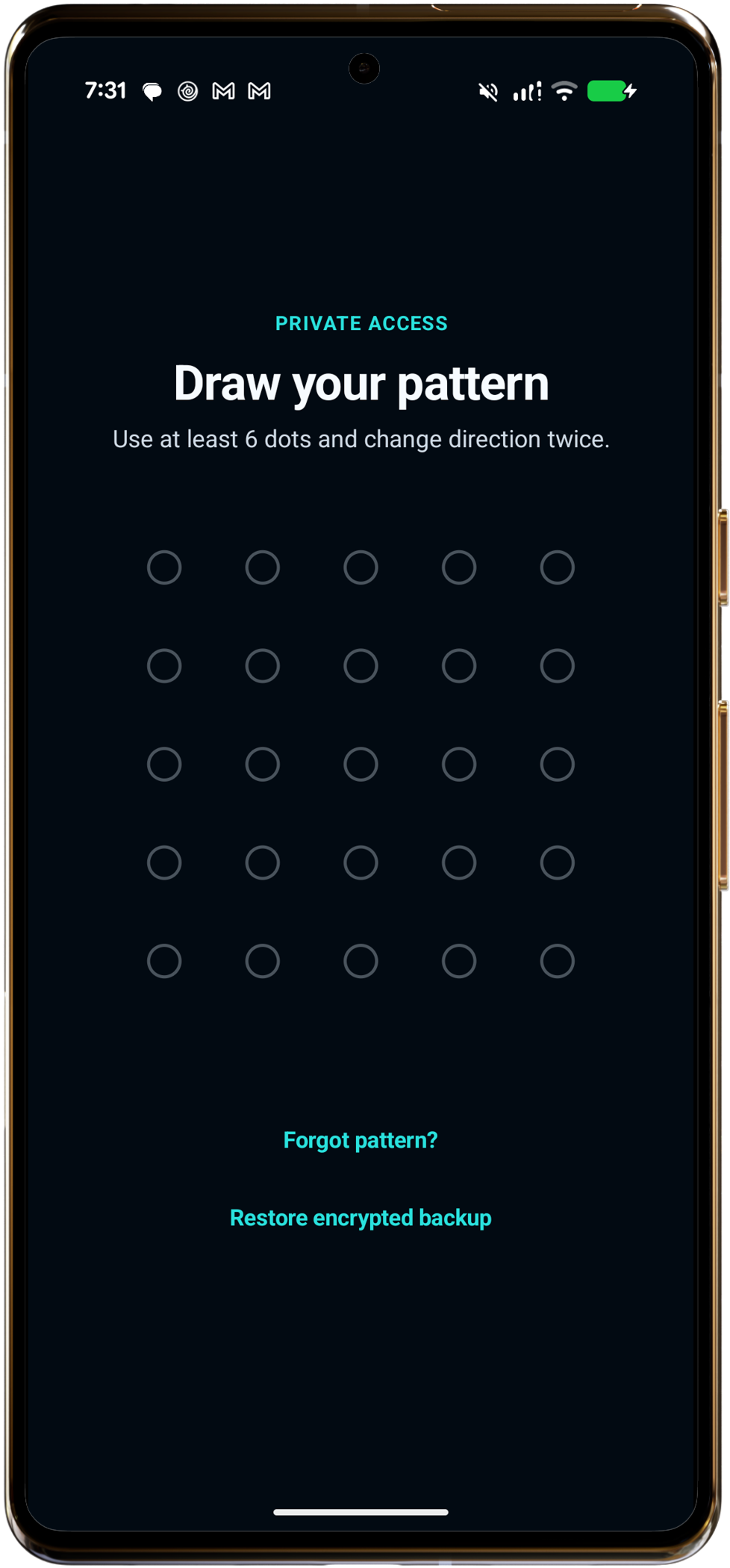
Every secure pattern opens a separate private space. Opening one vault does not reveal the others.
File contents, filenames, and metadata are encrypted before being saved to private app storage.
Local vault use requires no NullVault account. Content leaves private app storage only when you explicitly export it or create a backup.
How it works
NullVault uses the pattern itself to address a vault. Lock the app, draw another established pattern, and a different private space opens.
Your established pattern opens its matching encrypted vault.
Import photos, videos, documents, and notes—or capture directly inside the active vault.
Leave the app to close the session, or lock it and use a different pattern to open another vault.
Android feature set
Explore each currently available capability and its platform-specific behavior.
Pattern-locked creation, hidden-vault access, and neutral vault switching are available on Android.
Read feature details Available nowDecoy vaults and separate-pattern access are available on Android.
Read feature details Available nowEncrypted photos, videos, documents, other files, private notes, and protected previews are available on Android.
Read feature details Available nowCollections, active-vault search, filters, layouts, and sorting are available on Android.
Read feature details Available nowDirect photo and video capture plus Android picker imports are available on Android.
Read feature details Available nowSingle and multi-select content export are available on Android.
Read feature details Available nowA device recovery phrase supports same-device forgotten-pattern recovery on Android.
Read feature details Available nowDestructive duress protection is available on Android.
Read feature details Available nowPanic wipe is available on Android.
Read feature details Available nowAutomatic locking is available on Android.
Read feature details Available nowCore Android vault use is local, account-free, and works offline.
Read feature details Available nowPortable encrypted backup and phrase-based restore are available on Android.
Read feature detailsSecurity, explained
NullVault combines AES-256-GCM authenticated encryption, memory-hard Argon2id key derivation, and device-protected Android Keystore material. Recovery, portable backup, duress, and panic wipe each have different consequences.
NullVault for Android
Compatible with Android 10 and later. Local use requires no NullVault account.
Help & details
Yes. NullVault is available for compatible Android phones running Android 10 and later.
Yes. You can create and unlock vaults and import and view local content offline without a NullVault account. App updates, Google Play purchases and restoration, and optional online storage destinations require a connection.
NullVault combines AES-256-GCM authenticated encryption, memory-hard Argon2id key derivation, and device-protected Android Keystore key material. Hardware availability and behavior depend on the phone.
Yes. NullVault can create a portable encrypted backup in a compatible Android storage location. Restore requires its separate backup recovery phrase.
Android includes a configurable duress vault and panic wipe. These actions invalidate future local access but do not erase exported backups, system snapshots, or previously written physical storage cells.